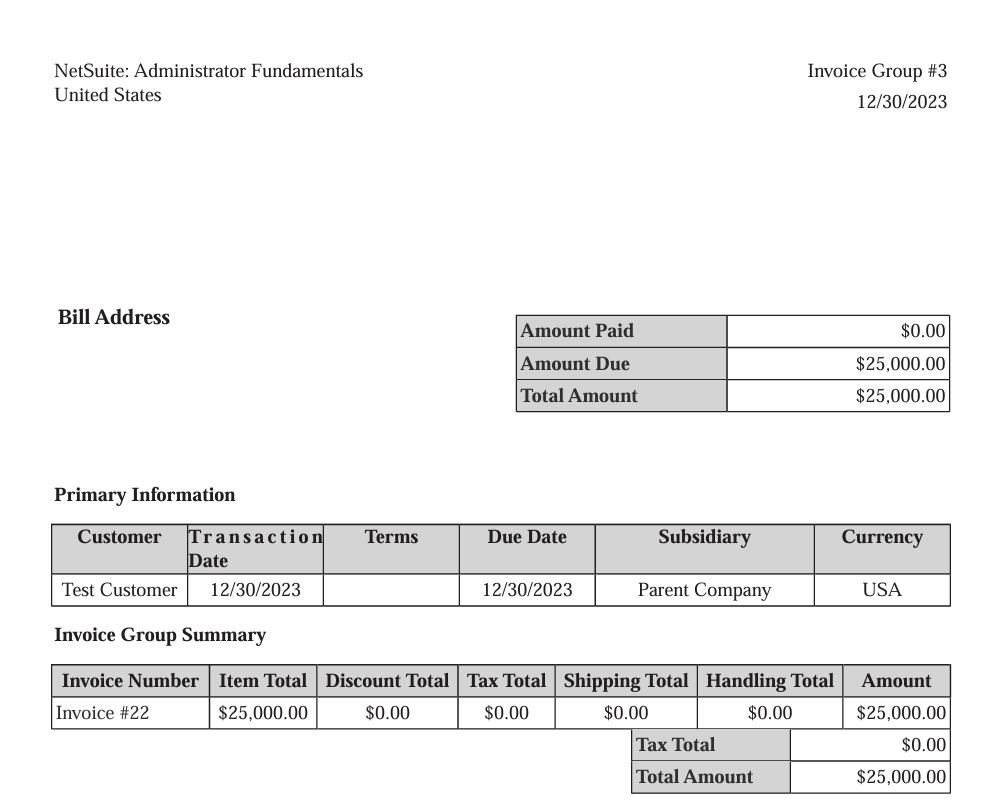
In NetSuite, by standard it is not possible to generate a consolidated invoice for multiple sales order created for the same customer. As an alternative the open invoices related to a particular customer can be combined to a single PDF and send to the customers for convenience. This feature is called invoice grouping. the invoice groups doesn’t have any impact on the accounts.
The feature can be activated by navigating to set up> company> enable features – transaction> billing and click on invoice groups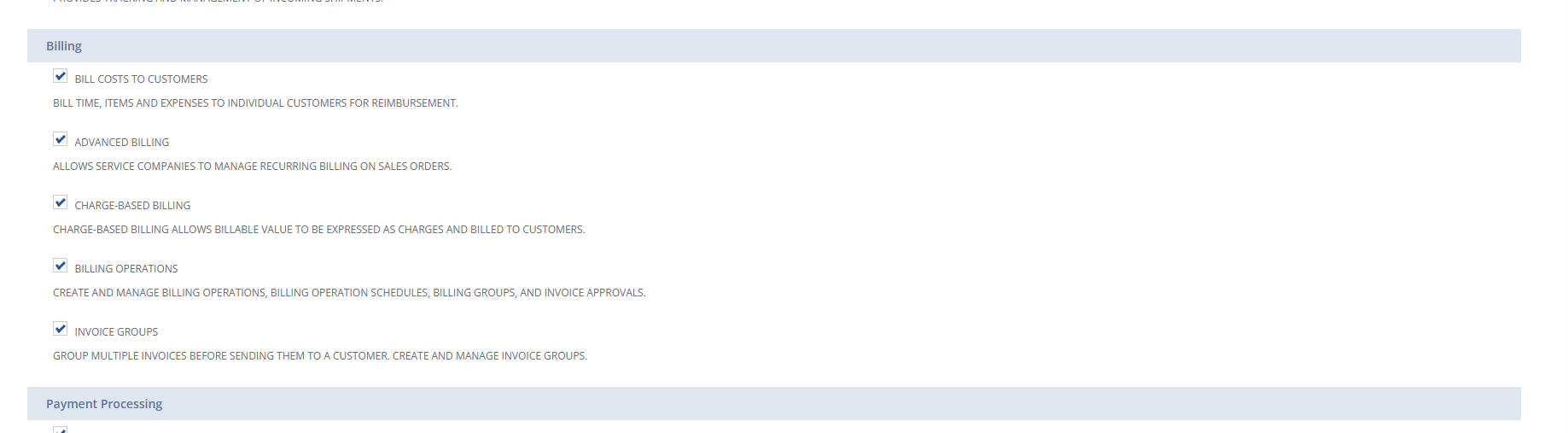
To activate the feature – in the customer record – under financial subtab – mark group invoices 
while creating sales order and invoice for this customers – invoice grouping checkbox will be automatically checked , which could be unchecked if the invoices doesn’t need to be grouped .
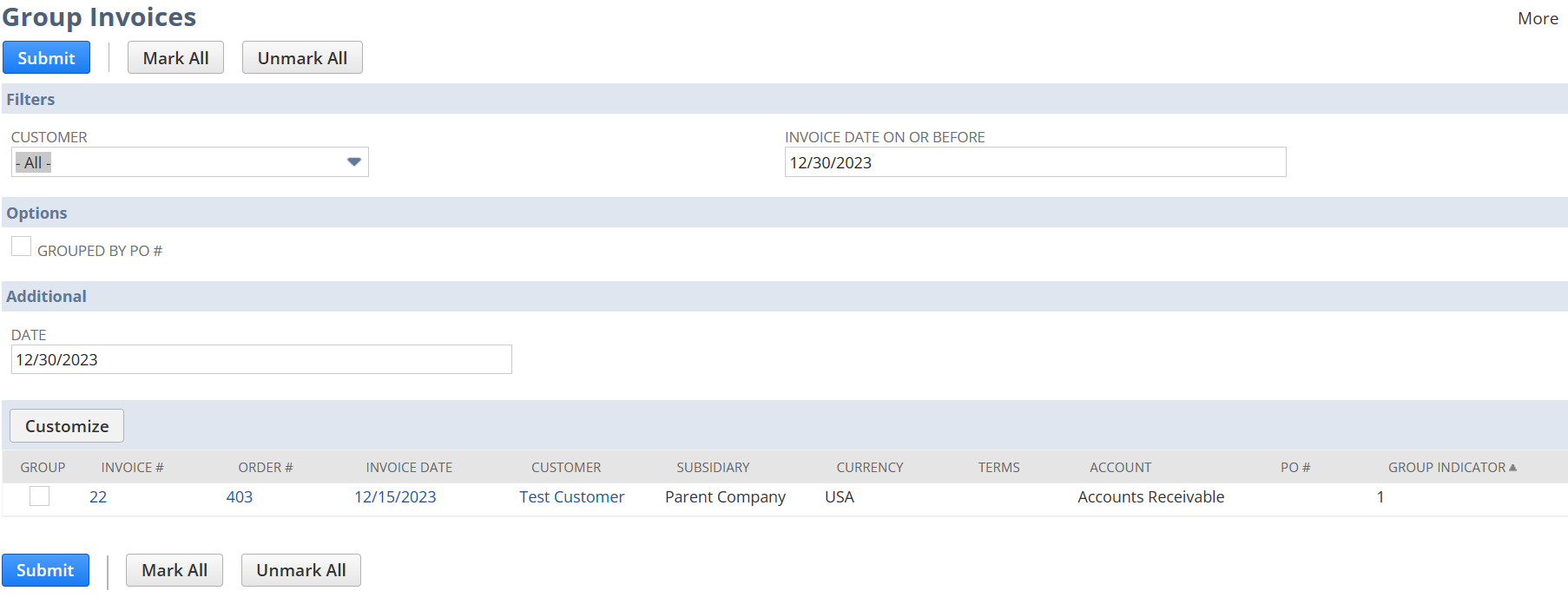
To group invoices – use the navigation -transaction>sales>group invoices
Choose the checkbox -group against the invoice that need to be grouped – an invoice group will be created
In the invoice group under the details subtab – the open invoices that are grouped will be listed . The company can accept payment for all invoices in the group or for the selected one’s . The invoice group can be send as a single PDF to the customers.