In Celigo, if you have an account you can invite other people to access your account with their email.
Go to Account > Users.
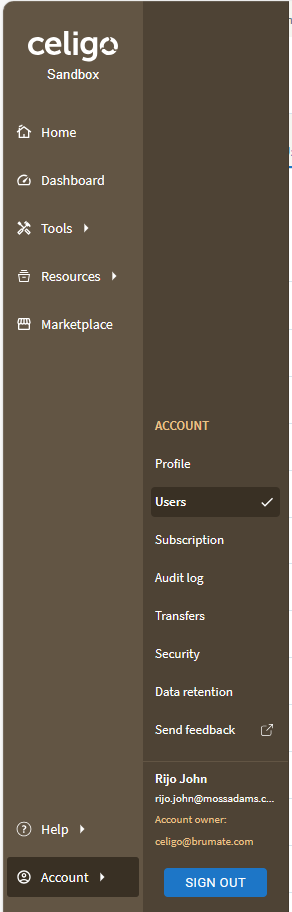
Click on “Invite User” on top right.
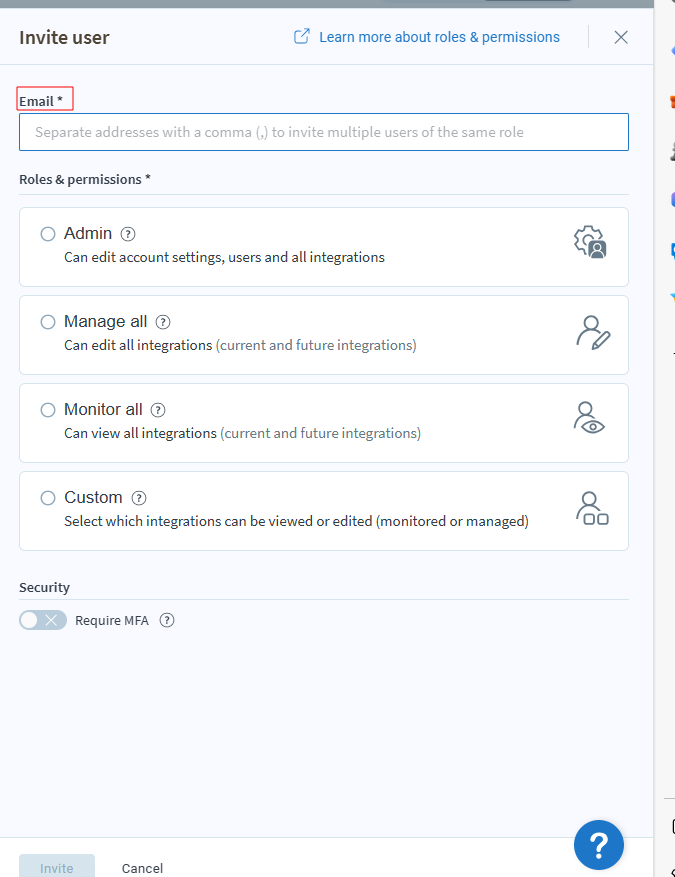
Give the emailid of the person and give the access for the new user and click Invite.
The Person should accept the invite from the email ID.