Requirement:
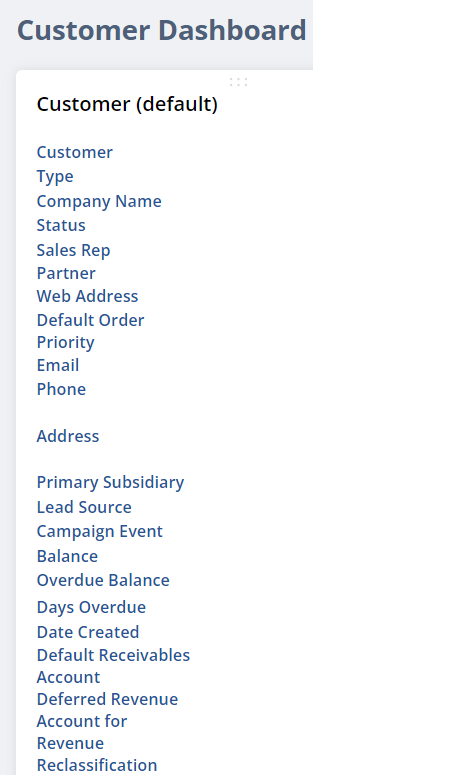
Can you guys show me how to edit fields this “Customer (Default)” in the Customer Dashboard?
I want to add new fields into. I am using the admin role too
Solution:
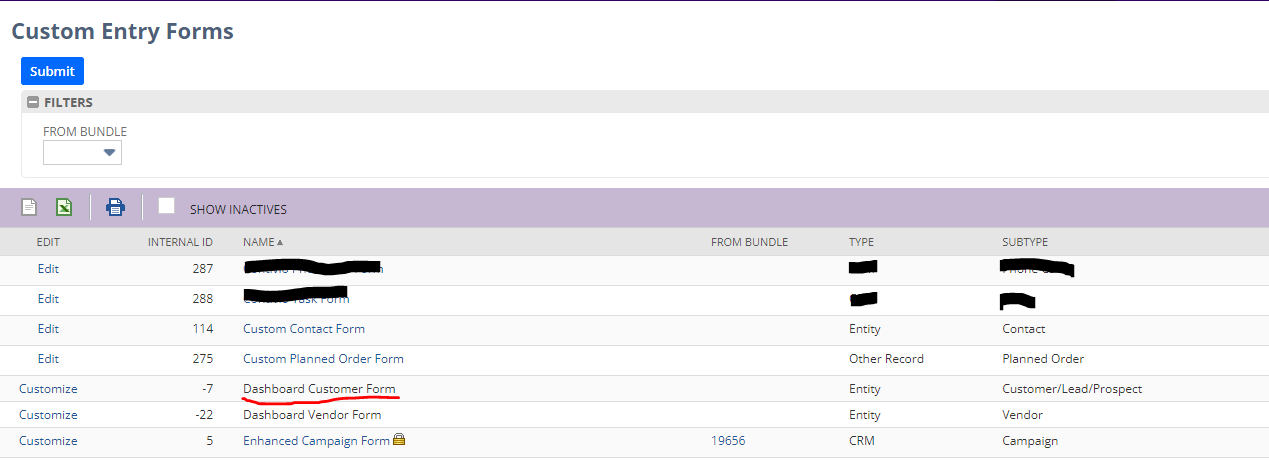
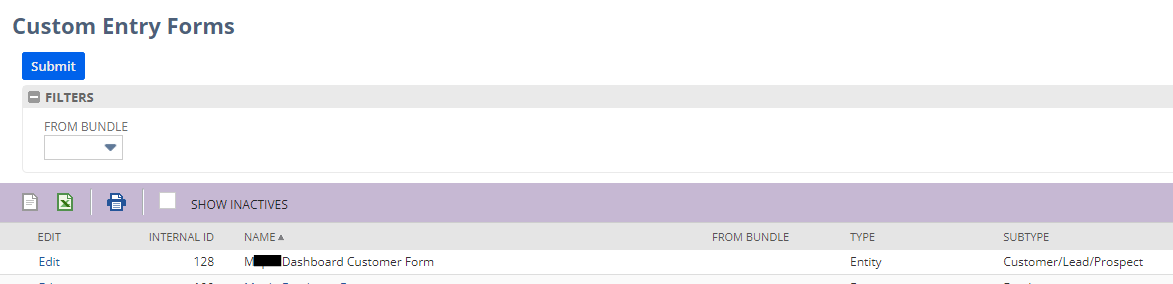
To be able to do it, use the Dashboard Customer Form you may have one for your company. You can find it on the “Custom Entry Forms”
Mine are in the tab “Costimization” then “Forms” then click in “Entry Forms”
Here is an example of the default form.
Meanwhile, maybe the SuiteAnswers linked below would be helpful:
Customer Dashboard>Customer portlet>Add or Remove Fields