First create a developer account in DocuSign
Once you create the developer account, then choose the Apps &Keys
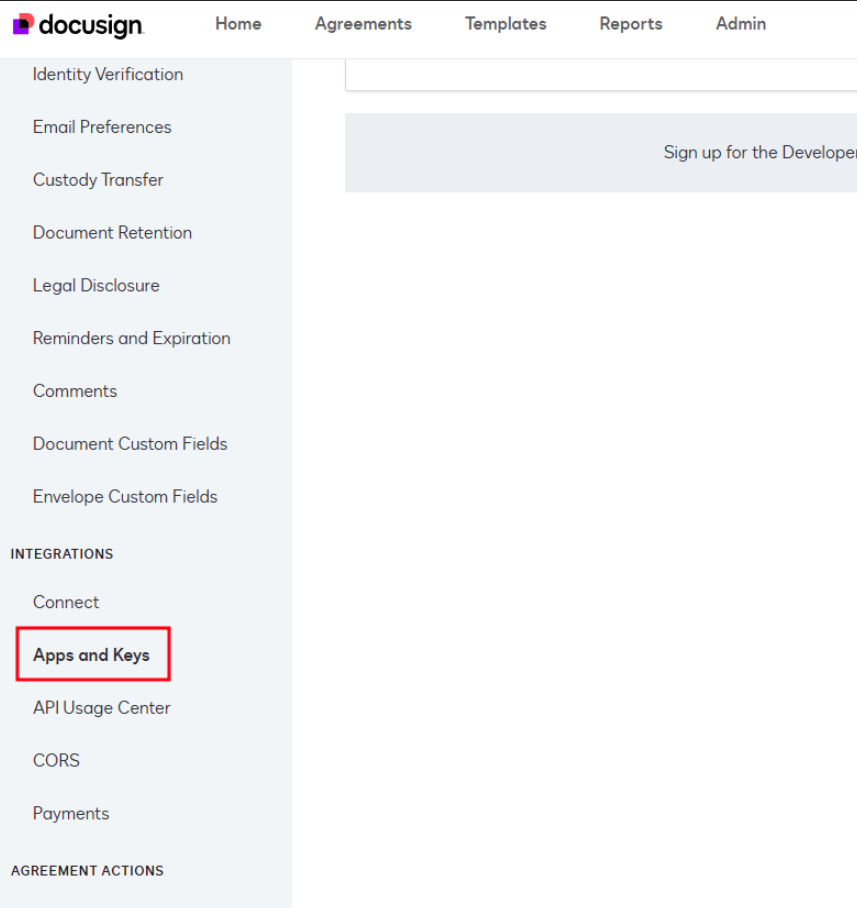
From this page click the below button.
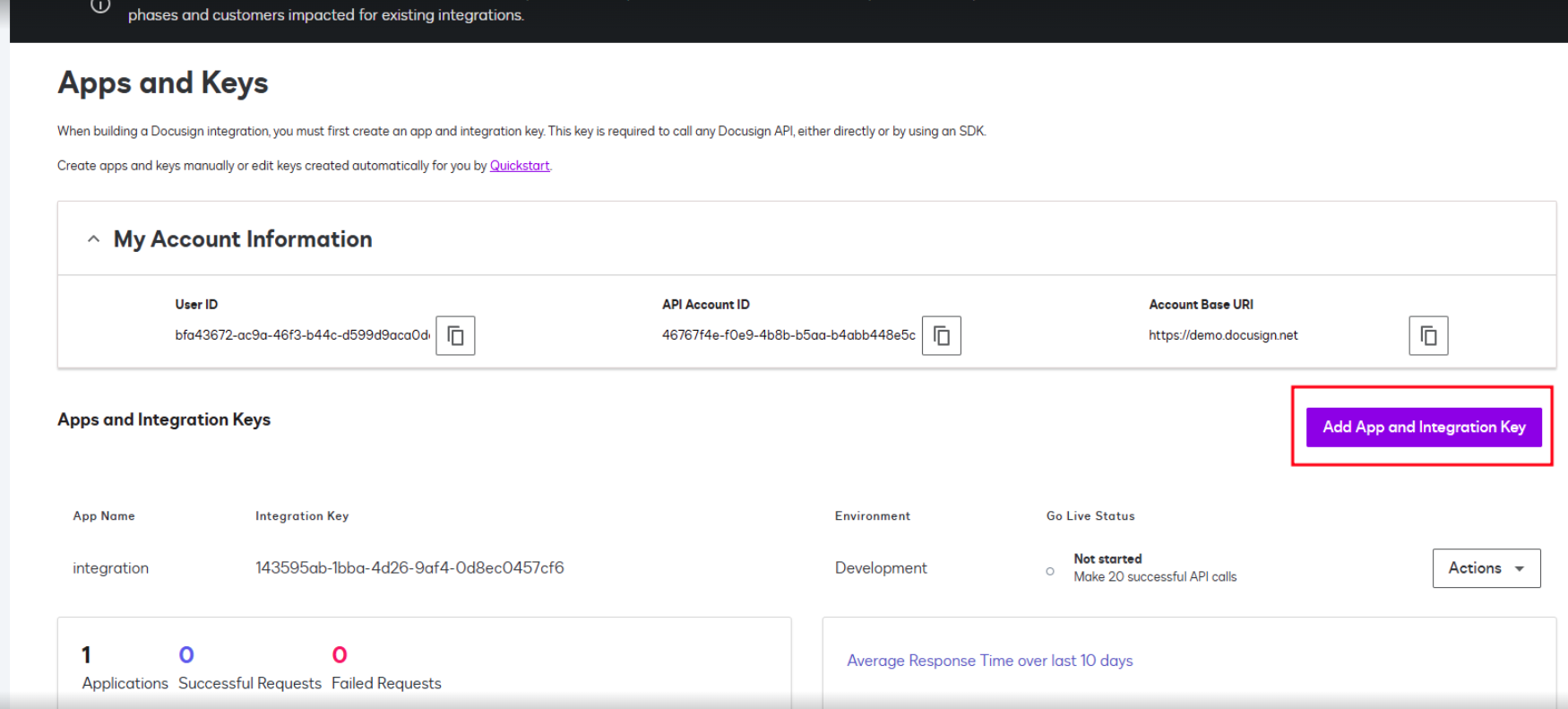
Give a name for the app and add the secret key and copy the secret key anywhere else. and save the page.
Then, use the URL format to get the access:
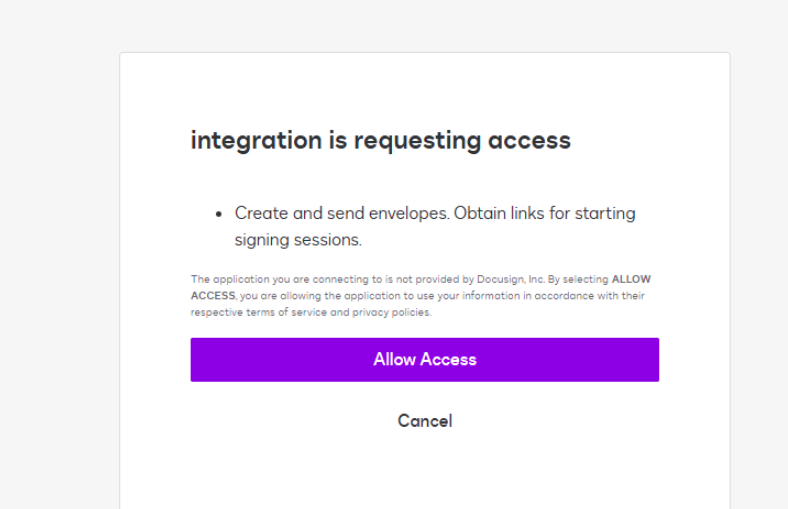
Change the Client ID with your integration key and redirect URI. click ‘allow access’ then it will redirect to a page. Copy the URL and the url is listed below. In that URL, code is the value used in the postman
For getting authorization code, use the below format in console
btoa(‘integrationkey:secretkey’) in console area