To call an SP-API Order API
Sign in to Postman.
For Workspaces, choose your workspace.
Generate the access token using https://api.amazon.com/auth/o2/token.
For Request, choose GET.
Copy and paste the Order API in the text box .
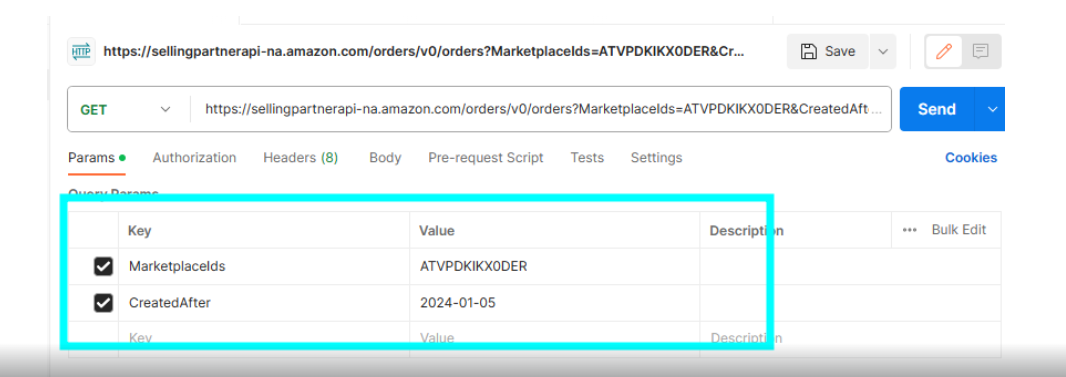
Add required Params.
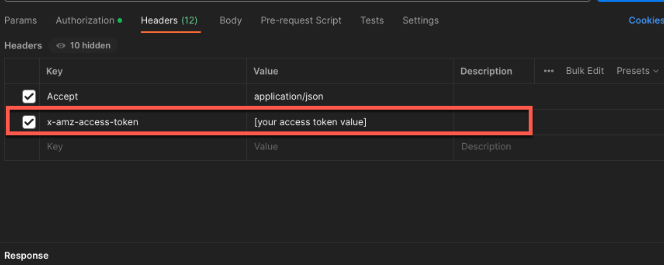
On the Headers tab, add the following key-pair:
`x-amz-access-token` [your access token value]
Under Authorization Tab Select No Auth
Click Send.