DBeaver interacts with the SQLite server using a specific driver, supporting all versions of SQLite. DBeaver also supports SQLite extensions such as SQLite Crypt (Cipher). You can also create a sample database in DBeaver. See our Creating a Sample Database article for more information.
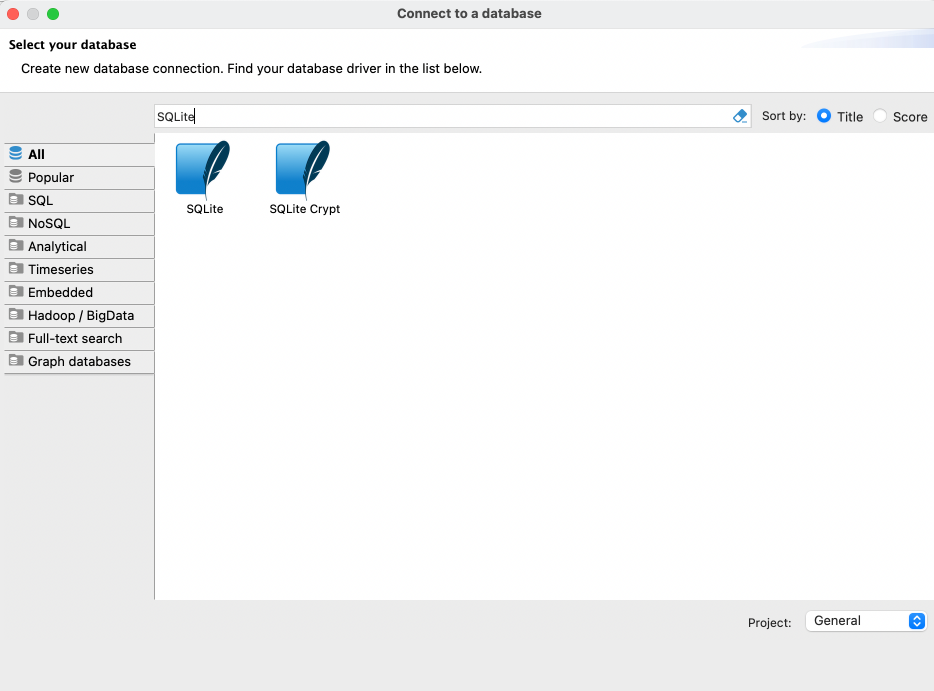
General SQLite connection settings
In this subsection, we will outline the settings for establishing a direct connection to a SQLite database using DBeaver. Correctly configuring your connection ensures seamless interaction between DBeaver and your SQLite database.
The page of the connection settings requires you to fill in specific fields to establish the initial connection.
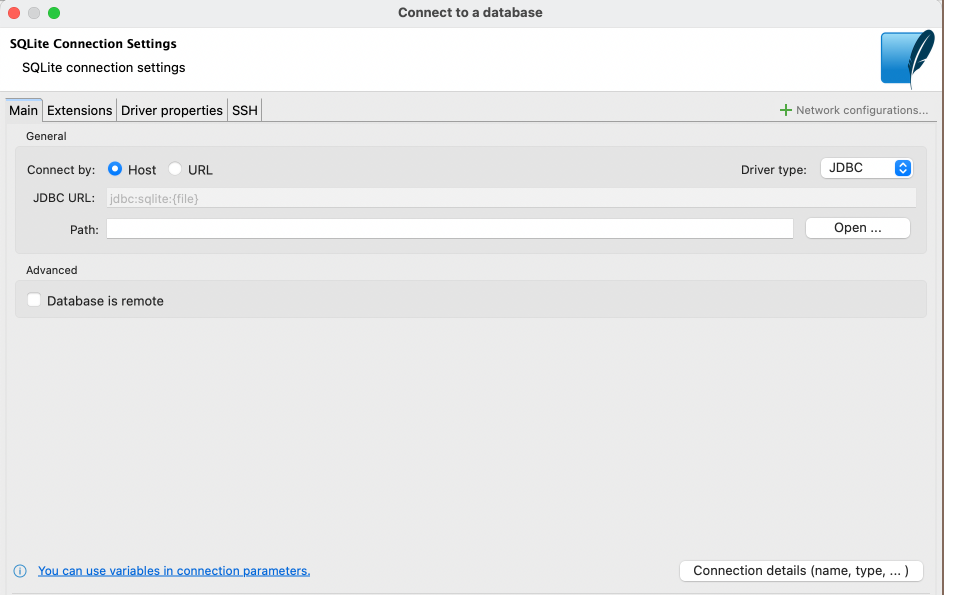
DBeaver supports the addition of SQLite extensions to enhance database functionality. Extensions can introduce new custom functions, collating sequences, or virtual tables, which are useful for advanced data manipulation or utilizing encryption algorithms not natively supported.
To import an SQLite extension, do the following:
- Locate the Extensions tab in your SQLite connection settings.
- Click on the Add button.
- Enter the path to the extension file you wish to import.