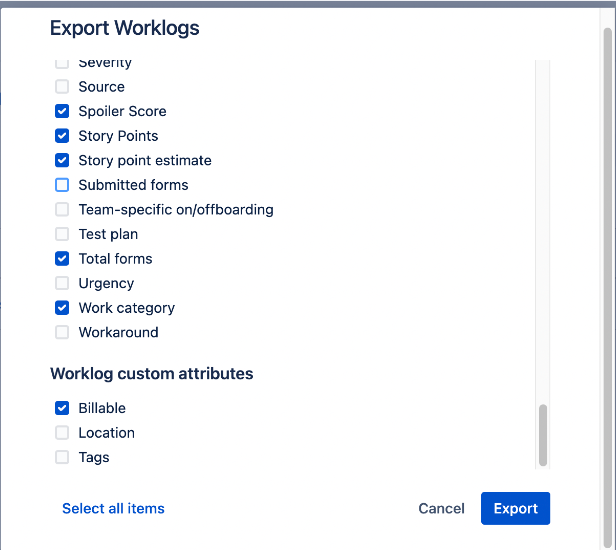
The Download button allows you to download an Excel sheet of worklogs, timesheets, or totals:
- Configure the timesheet to include the elements (date ranges, fields, etc.) that you want to download.
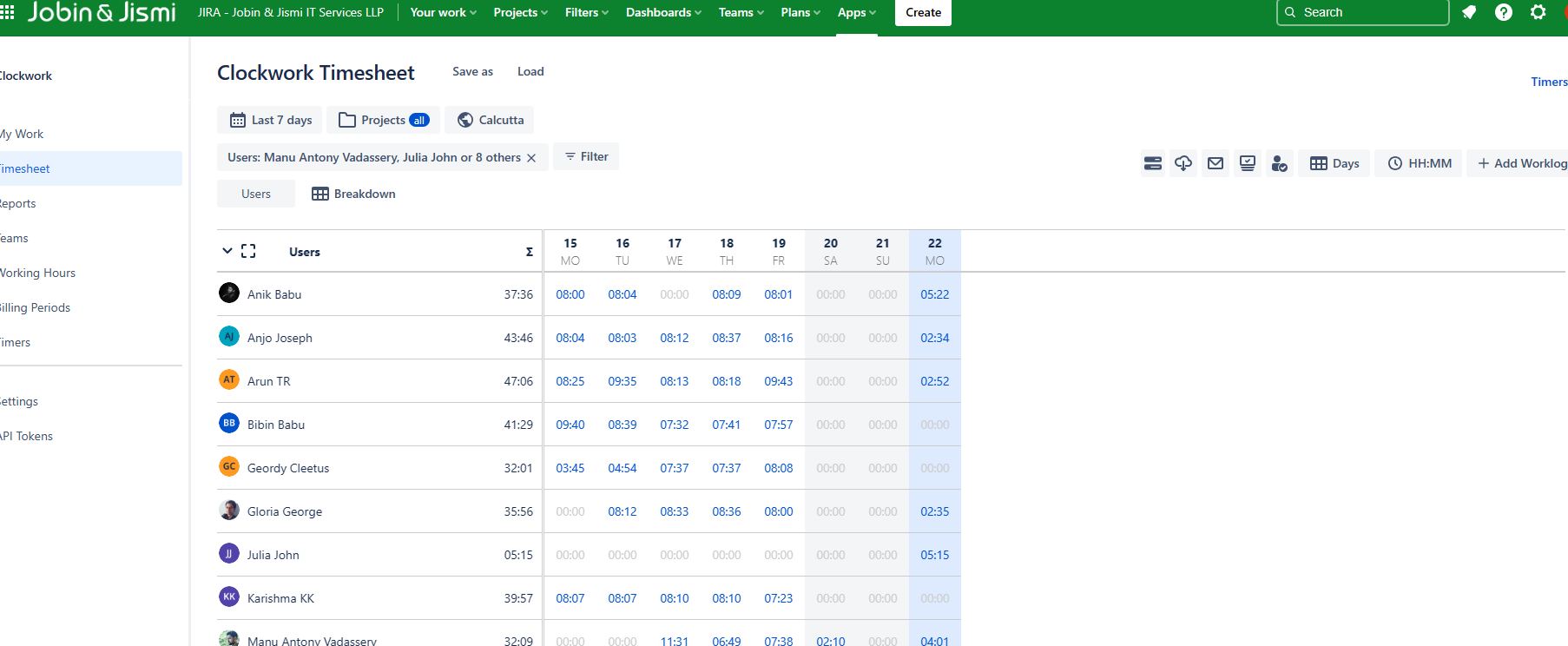
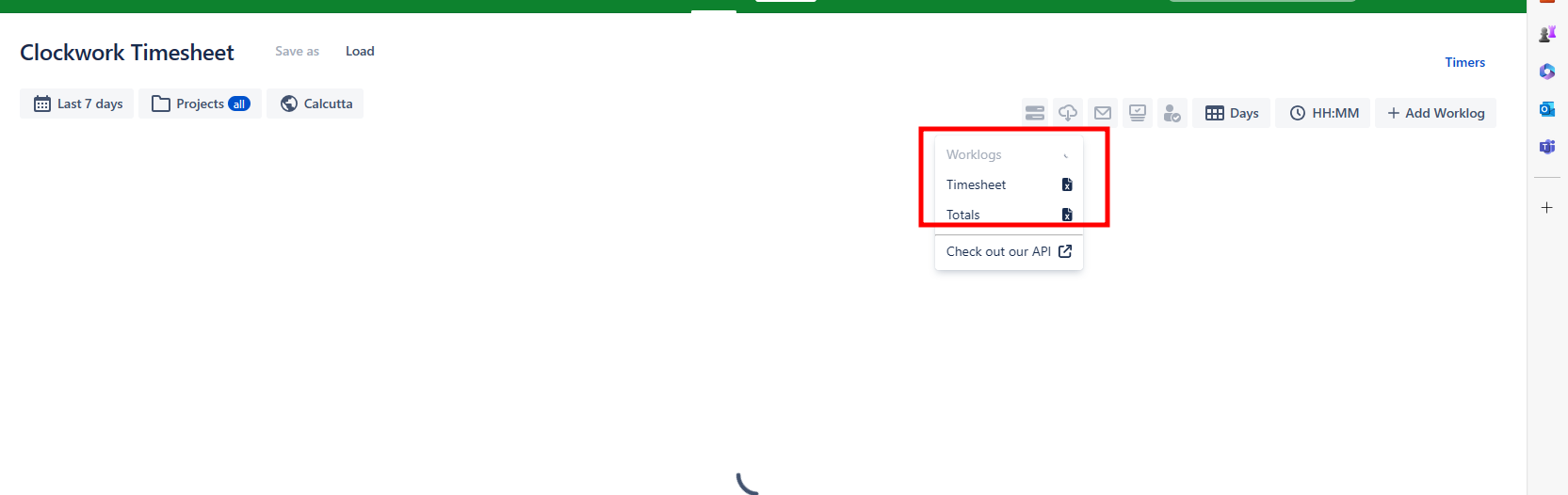
- Click on the Download button and select the format (Worklogs, Timesheet, or Totals). If you select Worklogs, a popup will allow you to select which worklog fields, custom fields, and attributes you want to include in the download. Your selections will be saved for the next export. You can also easily select/deselect all items.