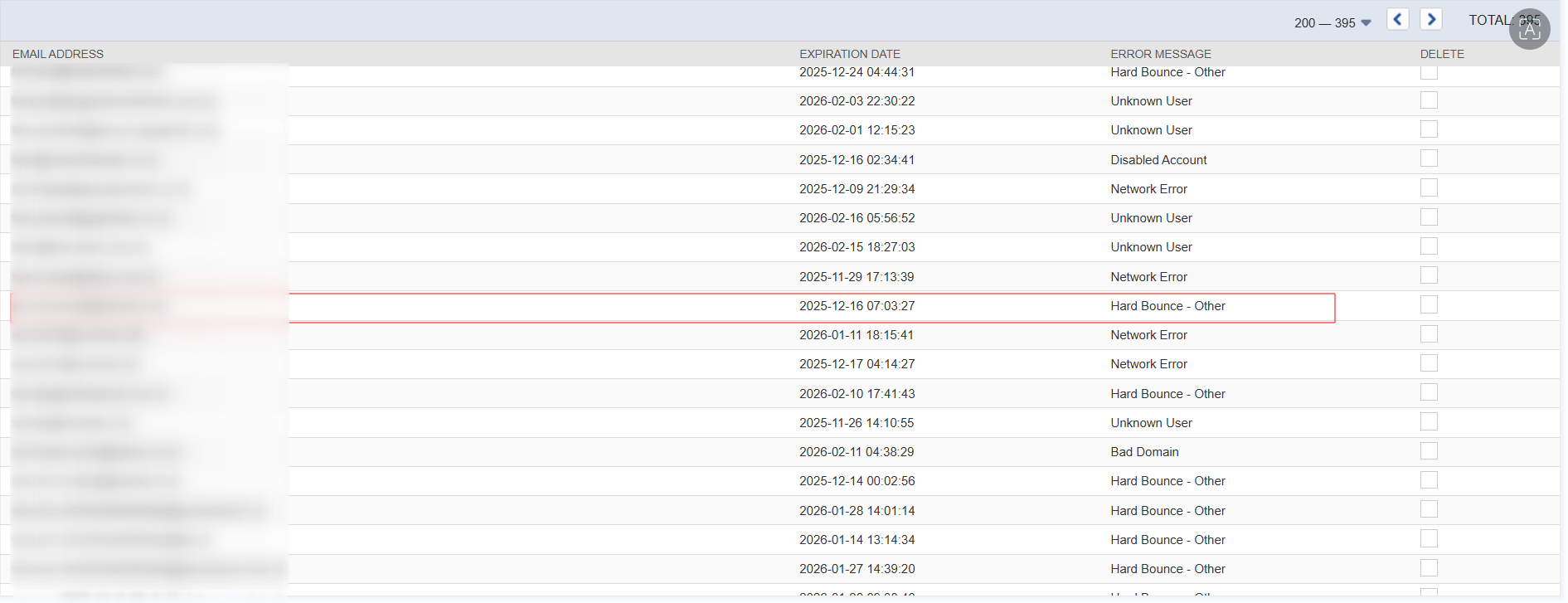
You can view and manage the list of bounced email addresses at Lists > Relationships > Bounced Email Addresses.
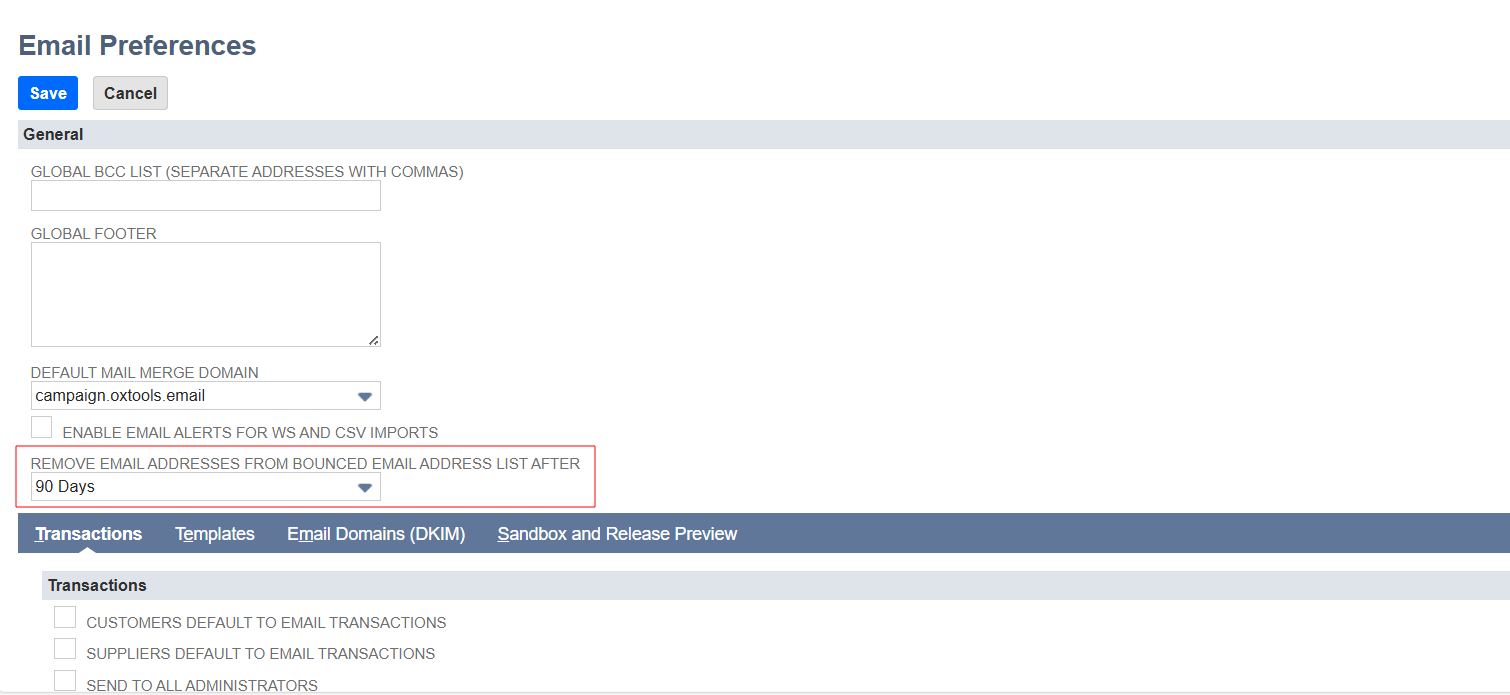
You can use the search field Bounced to filter recipients with invalid email addresses from your marketing groups. You can create groups of recipients based on the type of system response received for them after sending an email campaign. NetSuite tracks any address that hard bounced from any email sent from NetSuite including marketing campaigns, mail merge, and transactional email. When a message sent to an email address results in a hard bounce, NetSuite marks that email address as a hard bounce. NetSuite doesn’t send email to hard bounced addresses through marketing campaigns for a set time. To choose how long NetSuite maintains the bounce history of an email address, go to Setup > Company > Email > Email Preferences. In the Remove Email Addresses from Bounced Email Address List After field, enter the number of days NetSuite should keep copies of bounced email addresses.