Steps to do integration between NetSuite and Numerik:
- Create Integration Record in NetSuite
- Generate certificates using command: openssl req -new -x509 -newkey rsa:4096 -keyout private.pem -sigopt rsa_padding_mode:pss -sha256 -sigopt rsa_pss_saltlen:64 -out public.pem -nodes -days 730
- Create OAUTH 2.0 CLIENT (M2M) in Netsuite and copy certificate ID
- Under Embedded Integrations, create new Integration App in Numerik

- In the configuration popup, add new configuration:
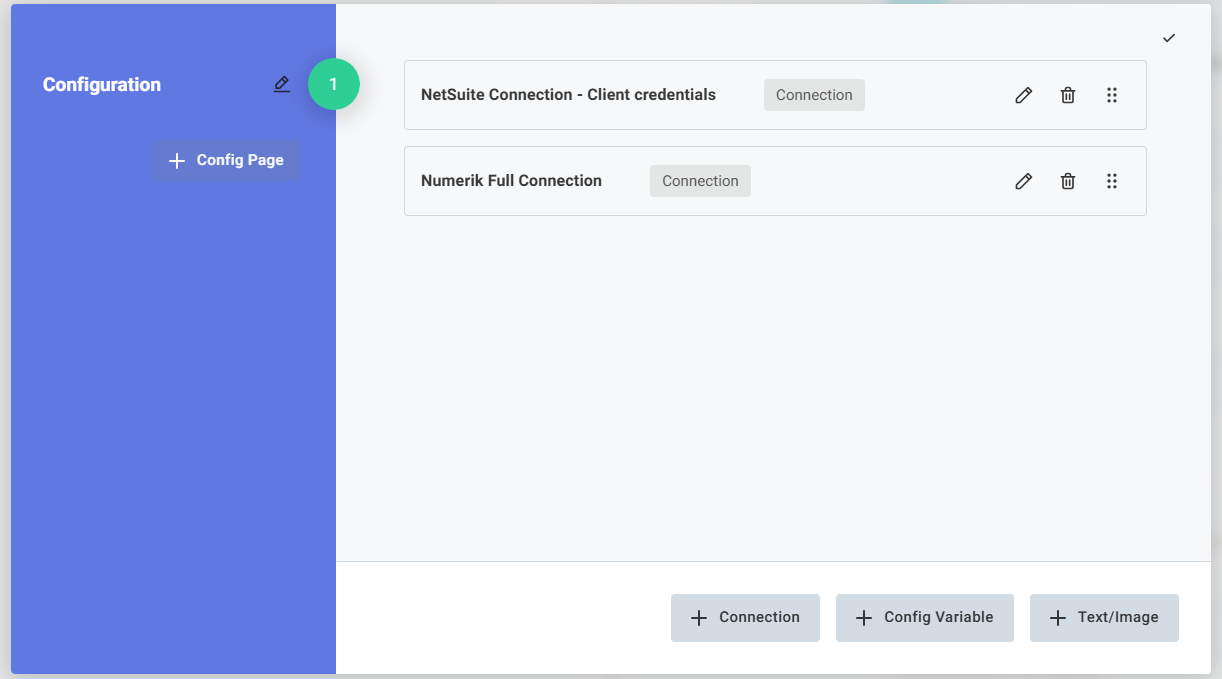
- Select NetSuite in the configuration setup
- Select “Netsuite OAuth Client Credentials ” in the connection type
- Token URL: The OAuth 2.0 Token URL for NetSuite.
- Certificate ID (Key ID): The key ID used for signing the JWT token.
- Private Key for JWT: The private key used for signing the JWT token.
- Consumer Key (Client ID): Generate a consumer key when you create your OAuth 2.0 app in NetSuite
- Click Update Button
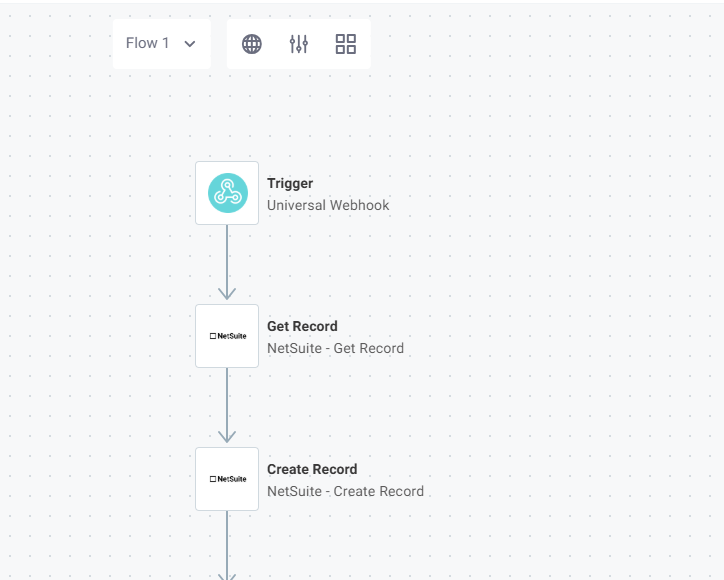
- You can add actions in the integration app based on the integration:
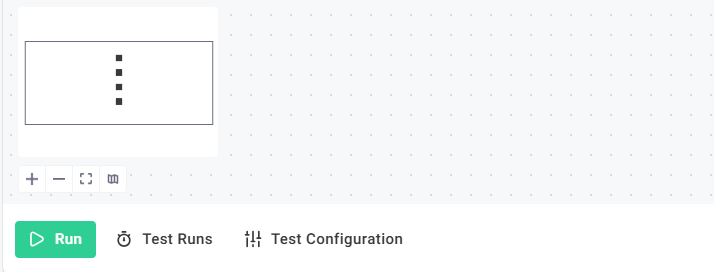
- You can run the integration by clicking the Run button in the bottom of the page.
- Based on the integration setup, the actions will be performed.