Scenario
User needs to remove the Item Group’s “parent” line from a Transaction Saved Search. This is related to an Item Group, with the “REFERENCE START/END LINES ON PICKING TICKETS” checkbox is marked for that item.
For example:
Item Group 1
Member Item A
Member Item B
End of Group
The requirement is to remove “Item Group 1” and show only the Member Items.
Solution
To remove the Item Group “parent” line in the Saved Search, add Item: Type is not Item Group in the Criteria.
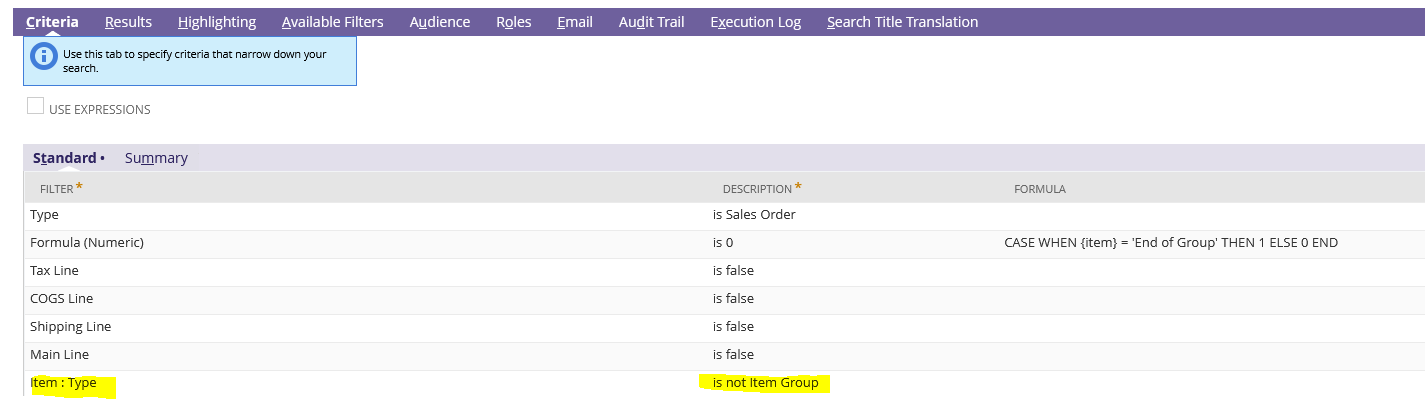
This should remove the parent item line (Item Group) but still show the components on the order.
Related Thread: