It is possible to set the Mandatory fields to Non-Mandatory through UI. In some cases, if we need to edit a record, the saving of the record will get blocked if we don’t enter the values for the mandatory fields. In such cases, we can apply this.
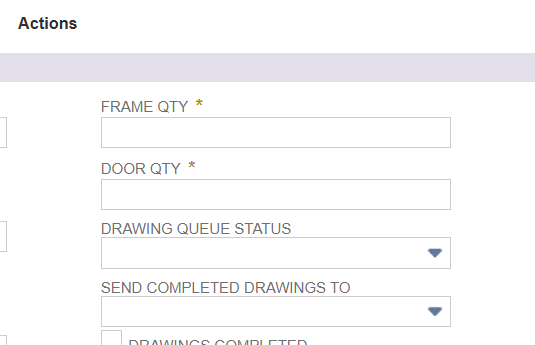
For example in this case The Frame QTY is a mandatory field and to set this as non mandatory click on it
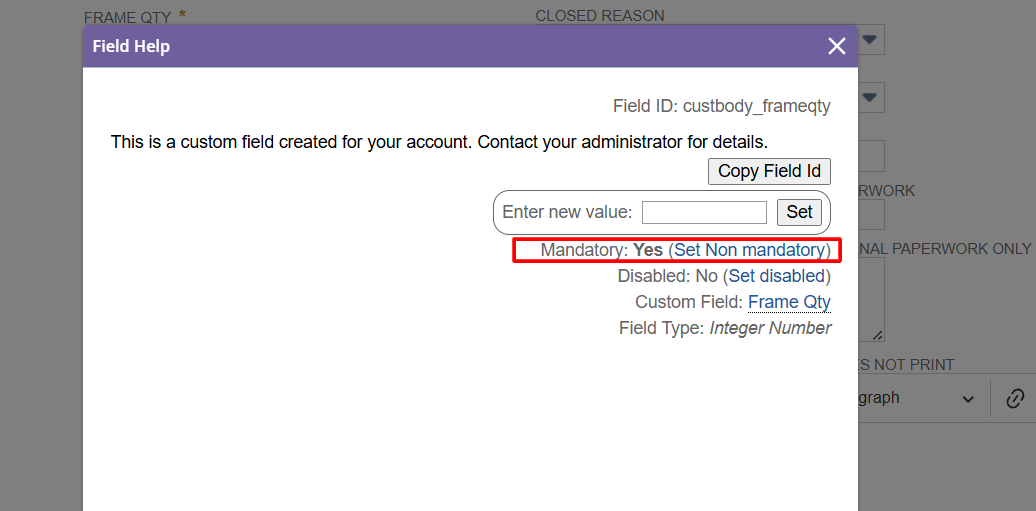
Then click on the Set Non Mandatory option in this.
Now it is possible to save this record without entering a value in this field.